📥 Download Tool
You need Flash Decompiler Trillix 3.0.3 Portable:
Download Flash Decompiler Trillix📝 Steps
-
Go to client folder:
Client location\data\main -
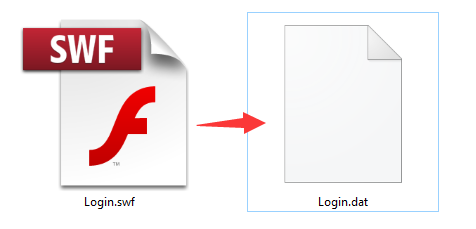
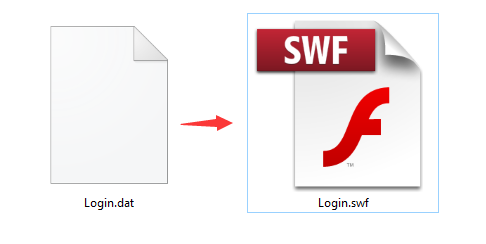
Rename
Login.dat→Login.swf
- Open Flash Decompiler Trillix Portable.
-
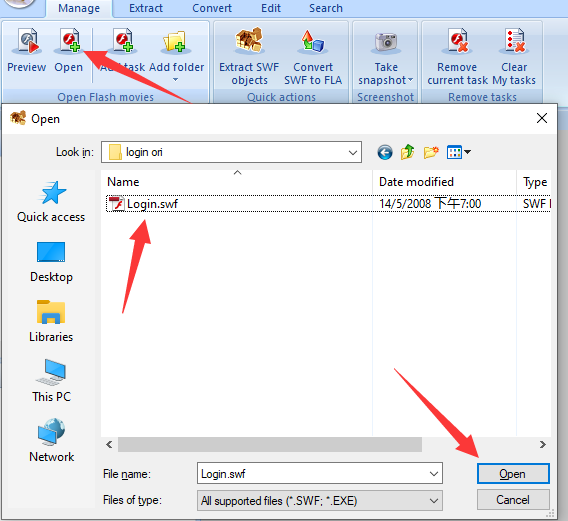
In Trillix, open the Login.swf file you just renamed.
-
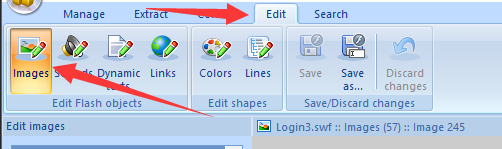
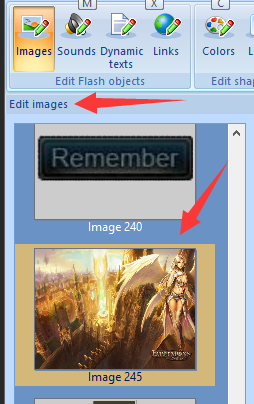
Go to Edit tab and select Images.
-
Find ID 245 in the Images list.
-
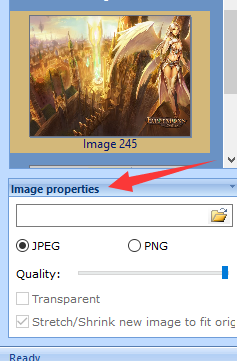
Open Image Properties.
-
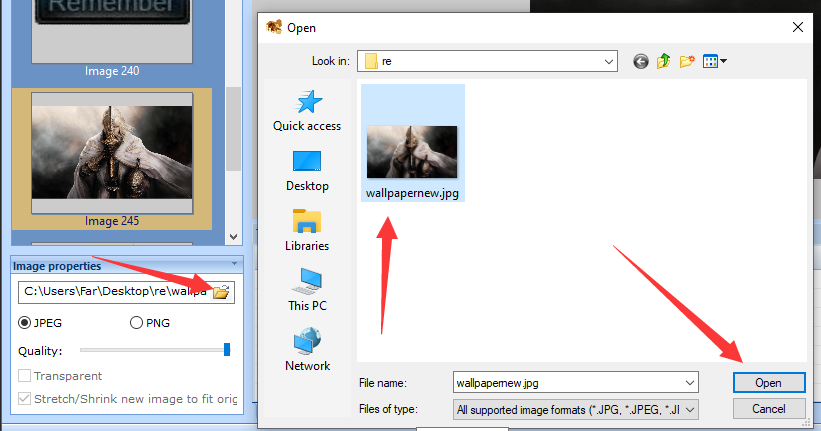
Replace the image with your own background.
-
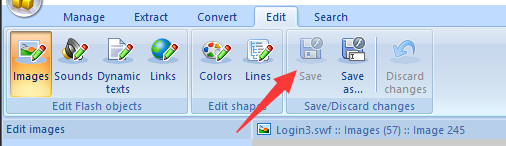
Save changes in Trillix.
-
Rename
Login.swfback toLogin.dat.